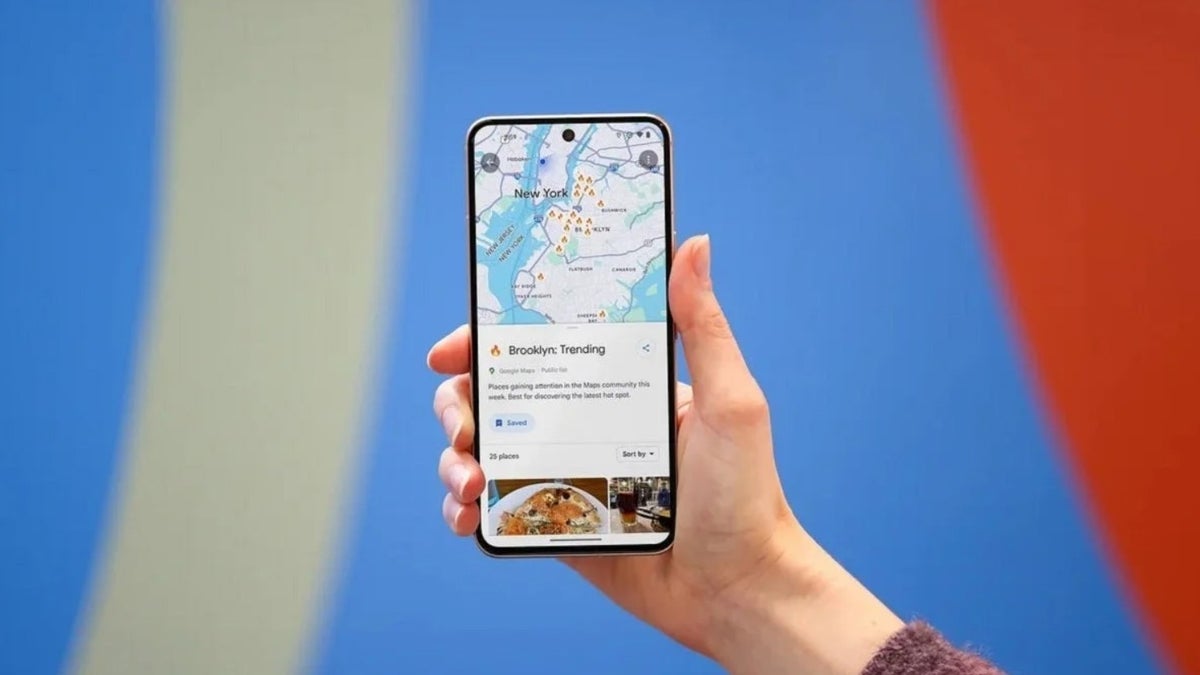
- Google Maps is introducing a simplified, faster method for sharing current location.
- A new floating action button (FAB) will allow direct location sharing from the main map screen, bypassing multiple steps.
- The navigation menu is being revamped with a grid layout, larger icons, and a removal/relocation of less-used options for improved clarity.
- These updates aim to streamline user experience, encouraging direct in-app sharing over third-party applications.
The Deep Dive: How Google Maps Is Evolving
Google Maps, a cornerstone of digital navigation, is set to receive a significant overhaul aimed at enhancing user convenience and streamlining its interface. This update primarily focuses on two key areas: simplifying location sharing and optimizing the navigation menu's usability.
Streamlined Location Sharing: A New FAB-ulous Approach
Currently, sharing your real-time location or a static point on Google Maps involves several steps: tapping your blue location icon, waiting for an overlay, then selecting a 'Share this location' button, and finally choosing a platform. While functional, this multi-tap process can feel cumbersome, especially when compared to the one-tap convenience offered by some competing applications or dedicated messaging apps like WhatsApp.
Google's upcoming solution introduces a dedicated Floating Action Button (FAB) directly on the main map screen. This FAB eliminates the initial need to tap your location icon. Users will simply tap the new button, which instantly brings up the sharing options, allowing them to select their preferred communication platform. This dynamic button will intelligently disappear when users pan or zoom the map to explore other areas, ensuring an uncluttered interface. This design choice highlights Google's commitment to making Maps a primary, intuitive platform for real-time interaction.
Revamped Navigation UI: Clarity and Accessibility
Beyond location sharing, Google is also refining the user interface of its navigation menu, typically accessed via a pill-shaped icon at the bottom of the screen. The current list-based format is giving way to a more modern and visually appealing grid layout featuring larger, more distinct icons. This change aims to improve discoverability and reduce cognitive load for users during navigation.
Notably, some options like "Share trip progress," "Show satellite map," and "Show traffic on map" are reportedly being removed from this immediate menu. While "Share trip progress" might be integrated elsewhere or removed due to low usage, the satellite and traffic view toggles are being relocated to the Google Maps settings menu. This consolidation suggests a strategic effort to declutter the primary navigation screen, reserving it for the most critical, frequently used actions.
Specs & Data: Comparing the Old and New
Here's a comparison of the location sharing process and navigation menu structure, illustrating the upcoming changes:
| Feature | Current Google Maps (Pre-Update) | Upcoming Google Maps (Version 26.12.03.884026066+) |
|---|---|---|
| Location Sharing Initiation | Tap blue location icon > Tap 'Share this location' button in overlay. | Tap dedicated Floating Action Button (FAB) directly on map screen. |
| Navigation Menu Format | List format with smaller text options. | Grid format with larger, distinct icons. |
| Visibility of FAB | N/A (No dedicated FAB for sharing). | Appears on main map screen, disappears when exploring other locations. |
| 'Share Trip Progress' Option | Available in navigation menu. | Reportedly missing from new UI (status unknown). |
| 'Show Satellite Map' & 'Show Traffic on Map' | Available in navigation menu. | Relocated to Google Maps settings menu. |
| User Interaction Steps (Sharing) | Multiple taps, overlay window. | Fewer taps, direct sharing intent. |
Market Impact: Setting a New Standard for Mobility Apps
These updates position Google Maps to further solidify its dominance in the navigation app market. By directly addressing a common user pain point – the perceived complexity of location sharing – Google aims to enhance user stickiness and encourage Maps to be the primary tool for sharing whereabouts, rather than relying on other messaging applications. This move could intensify competition with rivals like Apple Maps, which already offers a highly streamlined sharing experience, pushing all players to refine their user interfaces for maximum efficiency and convenience. Ultimately, this leads to a more intuitive and integrated experience for users across the entire mobile ecosystem.
The Verdict: A Step Towards Seamless Interaction
Google's forthcoming updates to Maps represent a thoughtful and user-centric evolution. The introduction of a dedicated floating action button for location sharing and the redesign of the navigation menu are not just cosmetic changes; they are functional improvements that address genuine user friction points. These enhancements promise to make Google Maps more intuitive, efficient, and enjoyable to use, especially for tasks that have become increasingly common in our connected world. While currently rolling out to limited users, the broader adoption of these features is highly anticipated, promising a more seamless interaction with one of the most essential apps on our devices.
