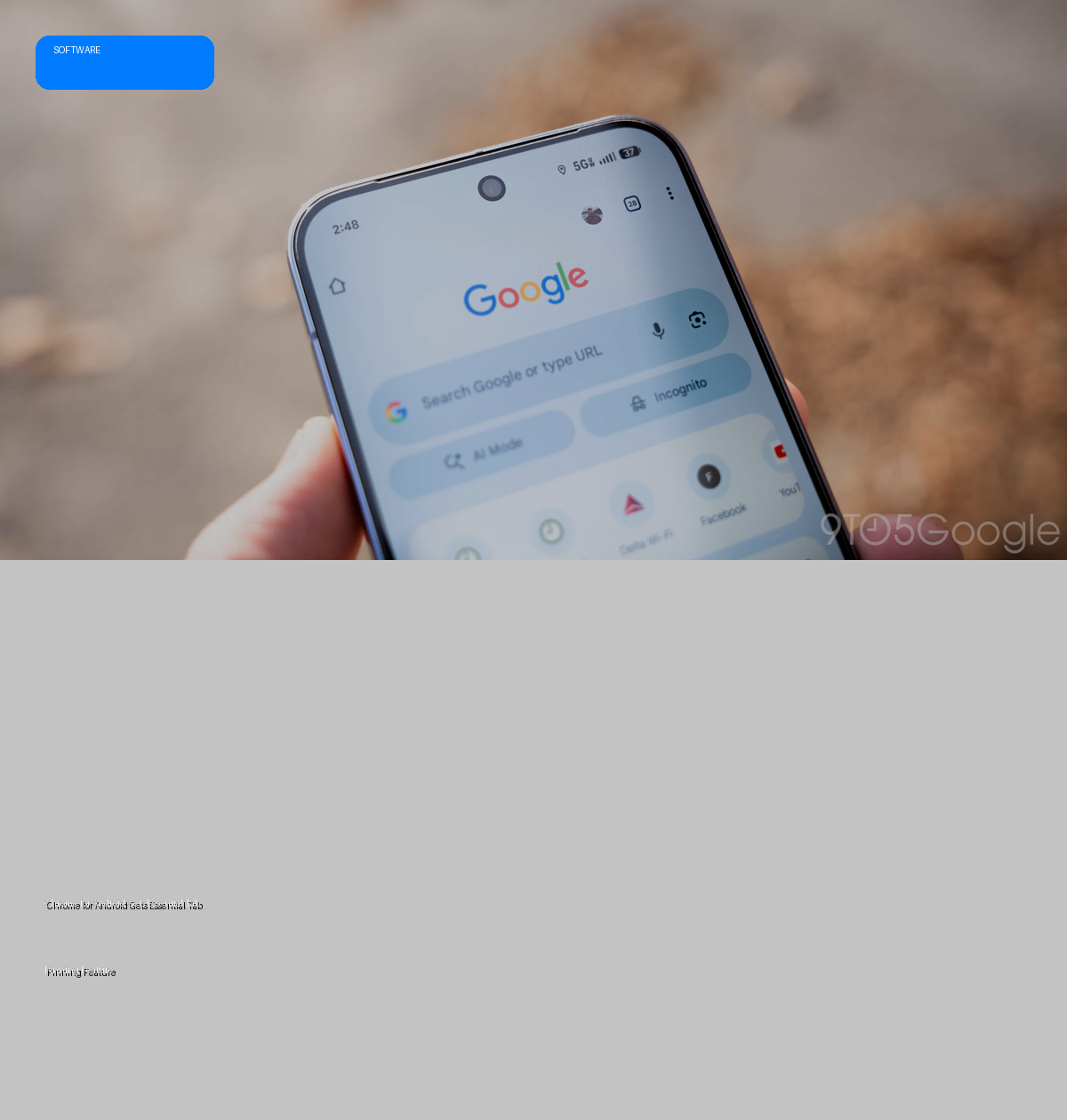
- Chrome for Android is rolling out a new tab pinning feature, aligning with its desktop counterpart.
- Users can long-press a tab in the grid view to pin it, moving it to the front and replacing the 'x' with a pin icon to prevent accidental closure.
- A new docked carousel provides easy access to pinned tabs, displaying favicons and page names.
- The feature, observed with Chrome 144, significantly enhances mobile tab management and user productivity.
The Deep Dive: Mastering Mobile Tab Management
Google is finally bringing a highly requested desktop feature to its mobile browser: tab pinning for Chrome on Android. This update, now more widely rolling out with Chrome 144, marks a significant stride in enhancing the mobile browsing experience by addressing a common user frustration: accidental tab closures and the difficulty of managing numerous open pages.
The mechanism for pinning a tab is intuitive and straightforward. Within the tab grid interface, users can simply long-press on any tab card. A new "Pin tab" option appears, positioned conveniently above "Close tab." Selecting this option immediately elevates the chosen page to the front or top of the tab grid. Crucially, the standard 'x' icon, which allows for quick closure, is replaced by a pin icon for pinned tabs, effectively safeguarding them from inadvertent dismissal. Furthermore, pinned tabs are immune to the familiar swipe-to-close gesture in the grid view, adding an extra layer of protection.
For users who frequently navigate a multitude of tabs, Chrome for Android introduces an elegant solution for accessing pinned pages. If the user is not at the very top of the tab grid, a new, smoothly animated docked carousel appears, showcasing all pinned tabs. This carousel displays both the favicon and the page name, allowing for quick visual identification and immediate access with a simple tap. Unpinning a tab is just as easy as pinning it, requiring another long-press on the pinned tab to reveal the "Unpin tab" option, after which it reverts to a standard closable tab.
Specs & Data: Chrome for Android Tab Pinning
| Feature | Detail |
|---|---|
| Feature Name | Tab Pinning |
| Availability | Chrome for Android (Chrome 144 and wider rollout) |
| Mechanism | Long-press on tab card in grid view; select "Pin tab." |
| Protection | 'x' icon replaced with pin; immune to swipe-to-close gesture. |
| Access Pinned Tabs | Docked carousel displaying favicons and page names. |
| Unpin Mechanism | Long-press on pinned tab; select "Unpin tab." |
| Desktop Parity | Brings mobile browser functionality closer to desktop Chrome. |
Market Impact: Elevating the Mobile Browsing Standard
The introduction of tab pinning in Chrome for Android represents more than just a minor feature update; it signals Google's commitment to optimizing the mobile browsing experience for productivity and user convenience. For power users who juggle multiple research tabs, work-related documents, or frequently visited sites, this feature is a significant quality-of-life improvement. It reduces the cognitive load of constantly searching for or accidentally closing essential pages, mirroring the efficiency desktop users have enjoyed for years.
This move also contributes to a broader trend of feature convergence between desktop and mobile platforms, aiming for a more seamless and consistent user experience across devices. By enhancing the fundamental mechanics of tab management, Google sets a higher standard for mobile browsers, potentially influencing competitors to further refine their own tab handling functionalities. It reinforces Chrome's position as a leading mobile browser by addressing a practical need that directly impacts daily digital workflows.
The Verdict: A Welcome and Essential Enhancement
Chrome for Android's new tab pinning feature is an unequivocally positive update. While not revolutionary in concept—it's been a staple of desktop browsers for ages—its implementation on mobile significantly elevates the usability and efficiency of Google's browser. It directly tackles the long-standing pain points of accidental closures and cumbersome tab navigation, particularly for users who keep many tabs open. This update makes Chrome for Android a more robust and user-friendly tool for both casual browsing and intensive web-based tasks, finally delivering a foundational organizational capability that mobile users have long deserved.
